Playlistyoutube

AI for Web Development

Building websites and apps with AI tools and no-code platforms.

7 items in this collection
1
Every Claude Feature Explained in One Video

Every Claude Feature Explained in One Video

Create graphics with Gamma Imagine: https://gamma.app/?utm_source=youtube&utm_medium=influencer&utm_campaign=imagine&utm_content=akg_skillleapai I walk through how I use Claude for everyday work and show the Claude features I use most. I start with the free Claude tools on claude.ai, then I move into the paid Claude plans, Claude pricing, and the extra tools you get when you upgrade. I show how I use Claude for writing, web search, file uploads, PDF analysis, image analysis, and artifacts. I also explain the Claude models like Opus, Sonnet, and Haiku in a simple way so it is easier to see which Claude model fits the task. I also go over Claude projects, Claude memory, Claude styles, connectors, and research tools. Then I show what changes when you move to Claude Pro or Claude Max, including Opus with extended thinking. After that, I walk through Claude Co-work, Claude Code, and Claude computer use. I share how these Claude tools can help with real work like building marketing files, making landing pages, creating apps, and organizing business tasks. This is made for everyday people who want to use Claude better at work without needing to be technical. If you want a simple guide to Claude AI, Claude features, Claude pricing, Claude projects, Claude Code, and Claude Co-work, this will help. More resources: Claude Cowork tutorial https://youtu.be/56IeB1CZEYY Claude Code tutorial https://youtu.be/WCuwYLVE6j8 Claude memory migration https://youtu.be/VVnKnGMGlu4 👉 Join the fastest-growing AI education platform! Try it free and explore 20+ top-rated courses in AI included Introduction to AI Agents course: https://bit.ly/skill-leap
2
How to Create Presentations with AI (Beautiful.ai 3.0 Tutorial)

How to Create Presentations with AI (Beautiful.ai 3.0 Tutorial)

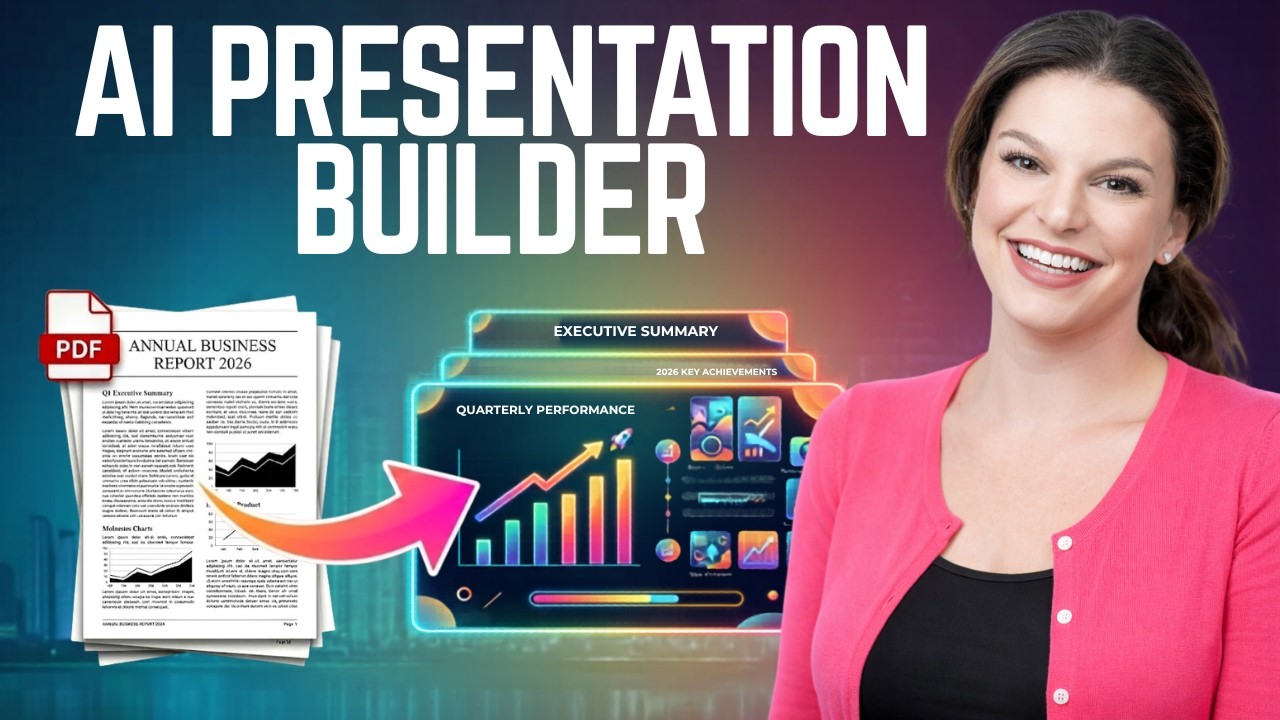
Tired of spending hours copying text into slides, resizing images, and fixing formatting? In this video, I will show you how to instantly turn a document, or even just a prompt, into a polished presentation using the new Beautiful.ai 3.0 AI Workflow. 👉 Start your FREE 14-day trial of Beautiful.ai - https://ow.ly/AWrh50YtEuP Whether you're creating business proposals, sales decks, marketing presentations, or project updates, this presentation builder will save you HOURS of work. What you will learn: ✔️ How to convert an existing document into a full presentation ✔️ How to generate slides from a simple AI prompt ✔️ How Beautiful.ai automatically handles layout, design, and animations ✔️ How to edit, refine, and regenerate slides with AI ✔️ How to collaborate, share, and track presentation analytics Host: Elizabeth Parker Sponsor: Beautiful.ai ⌚ TIMESTAMPS 0:00 - Introduction 0:50 - Getting Started 1:04 - Turn a Document into a Presentation 3:43 - Editing a Presentation 4:55 - Animating Slides 5:25 - Sharing & Collaborating 6:13 - Analytics 6:42 - Beautiful.ai Workflow vs. Traditional Workflows 7:10 - Create a Presentation from a Prompt 8:46 - Conclusion 📩 NEWSLETTER Get the latest high-quality tutorial and tips and tricks videos emailed to your inbox each week: https://newsletter.kevinstratvert.com 🔽 CONNECT WITH ME - Official website: http://www.kevinstratvert.com - LinkedIn: https://www.linkedin.com/in/kevinstratvert/ - Discord: https://bit.ly/KevinStratvertDiscord - Twitter: https://twitter.com/kevstrat - Facebook: https://www.facebook.com/Kevin-Stratvert-101912218227818 - TikTok: https://www.tiktok.com/@kevinstratvert - Instagram: https://www.instagram.com/kevinstratvert/ 🎁 PARTNERS & DISCOUNTED OFFERS 💻 Hostinger | https://hostinger.kevinstratvert.com 📋 Notion | https://notion.kevinstratvert.com 💵 Quickbooks Online | https://qbo.kevinstratvert.com 🎙️ Voicemod AI Voice Changer | https://voicemod.kevinstratvert.com 🕵️ VidIQ | http://vidiq.k

5
NotebookLM + Gemini = Website Builder (Free & No Code)

NotebookLM + Gemini = Website Builder (Free & No Code)

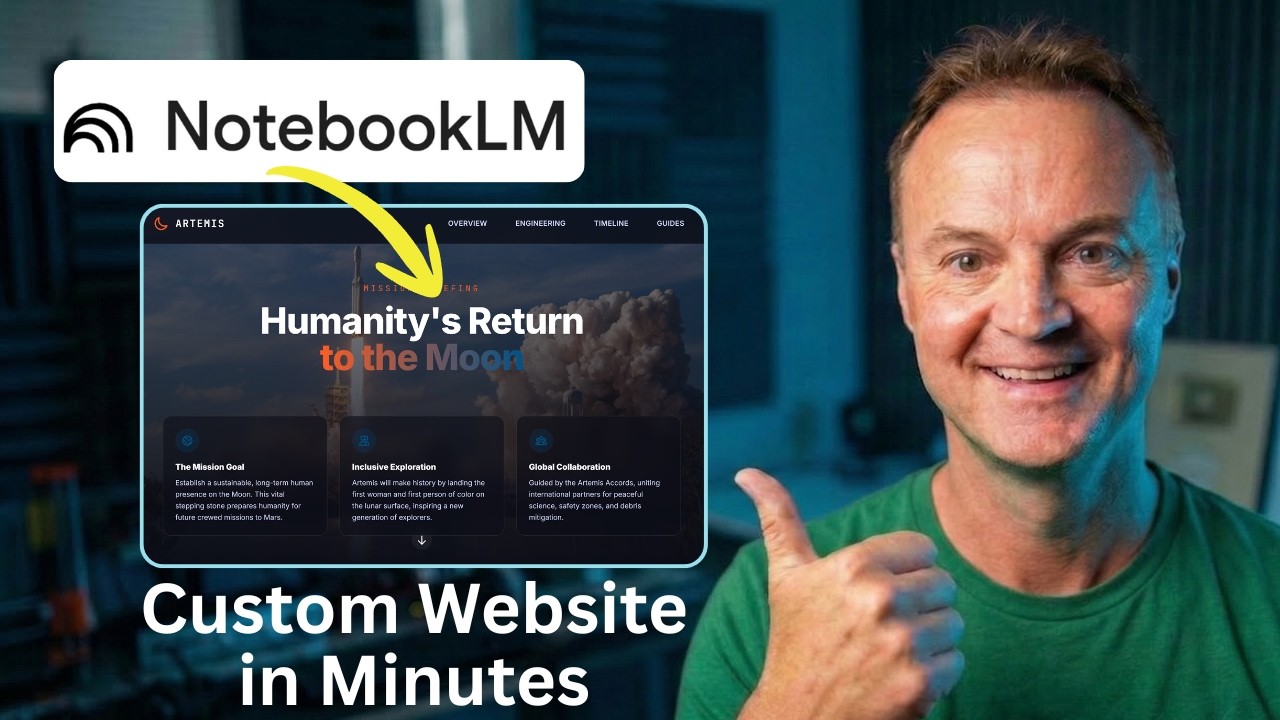
We all know Google's NotebookLM is incredible for organizing research and summarizing dense documents. But what if those insights shouldn't just stay in a notebook? In this tutorial, I’ll show you how to take a stack of complex research (using NASA's Artemis Missions as an example) and turn it into a stunning, interactive, single-page website using Gemini. The best part? We are going to build it, add functional download links, export the file, and publish it live on the internet for free—all without writing a single line of code. Whether you are building a resource hub for your classroom, organizing project files, or just want to present information in a more professional way, this AI workflow will change how you use your research. 👇 Links Mentioned in the Video: Google NotebookLM: https://notebooklm.google/ Gemini: https://gemini.google.com/ Netlify Drop: app.netlify.com/drop Test it with my NotebookLM: https://notebooklm.google.com/notebook/422742fa-7296-4c8e-94a4-7bf3cefbf430 Artemis SLS Specs Demo PDF: https://drive.google.com/file/d/11-j1pxhoyPvwNNkRMKi4dg7KhT0mzpn8/view?usp=drive_link 🤖 Prompts Used in This Video: Prompt 1: The Blueprint Act as an expert UX designer and educational technologist. Analyze the attached NotebookLM research and design the architecture for a single-page educational hub about the NASA Artemis Missions. Break the content into logical sections: a compelling 'Mission Overview' hero banner, a 'Deep Dives & Technical Data' section for payloads and engineering specs, and a 'Launch Timeline'. For each section, dictate the heading, the core takeaways to extract from the research, and suggest a specific visual layout. Suggest a space-inspired, modern color palette. Prompt 2: The Code Generation Take the structural blueprint we just agreed upon and generate the complete single-page website in a single HTML file. Use Tailwind CSS via CDN. The design language should be clean and technical—deep space blues, stark white text, soft r

7
Edpuzzle Tech Discovery - DDD + Workflows = The secret key to AI in production

Edpuzzle Tech Discovery - DDD + Workflows = The secret key to AI in production

What does it take to implement AI in production without losing control or speed? 🤖 In this second edition of Edpuzzle Tech Discovery, Asier Zapata, Engineering Manager at Edpuzzle, shares how our team successfully brings AI to production in a scalable and reliable way. In this talk, you’ll learn how to structure domains and workflows so AI runs smoothly in complex environments, avoiding common integration and scalability pitfalls. 👉 Perfect for: software engineers, tech leads, engineering managers, and AI enthusiasts. Inspired by our mission to transform education through technology? Explore our opportunities and join a passionate team dedicated to making learning more accessible and impactful: https://jobs.lever.co/edpuzzle 🚀 ¿Qué se necesita para implementar IA en producción sin perder control ni velocidad? 🤖 En esta segunda edición de Edpuzzle Tech Discovery, Asier Zapata, Engineering Manager en Edpuzzle, nos muestra cómo su equipo logra llevar la inteligencia artificial a producción de forma escalable y confiable. En esta charla, aprenderás cómo estructurar dominios y workflows para que la IA funcione de manera fluida en entornos complejos, evitando problemas comunes de integración y escalabilidad. 👉 Ideal para: ingenieros de software, tech leads, managers de ingeniería y entusiastas de la IA. Si compartes nuestro entusiasmo y deseas ser parte de un equipo innovador y dedicado, ¡te invitamos a explorar nuestras oportunidades de trabajo!: https://jobs.lever.co/edpuzzle 🚀 To learn more:  - Visit our website: https://edpuzzle.com/ - Follow us on Instagram: https://www.instagram.com/edpuzzle/ - Follow us on X: https://x.com/edpuzzle - Check out our blog: https://blog.edpuzzle.com - Subscribe to our channel: https://www.youtube.com/@Edpuzzle #edpuzzle #edtech #videolearning #flippedclassroom #interactivelearning#Edpuzzle #TechDiscovery #DDD #AI #JoinUs #Innovation #Education

Similar Collections